
Compress files and reclaim space on your server
NXPowerLite makes it easy to compress multiple PDF, Microsoft Office, JPEG, PNG and TIFF files in bulk, or in document workflows.

“We purchased NXPowerLite Server to address the large number of bloated PDF files we work with. The software is simple to install and configure. The licensing model is simple and great value… With default settings, we achieved a 65% reduction in space…I had a handful of question for support and they responded quickly with accurate answers to my questions. A+ ”
— Robert Koss, Director of IT — WN Global

Reclaim storage and slow down growth
Compress the existing files on your server to immediately reclaim storage and reduce backup times. Set NXPowerLite to run regularly to slow down new storage growth and put your storage plan back on track.

Automatically compress files in workflows
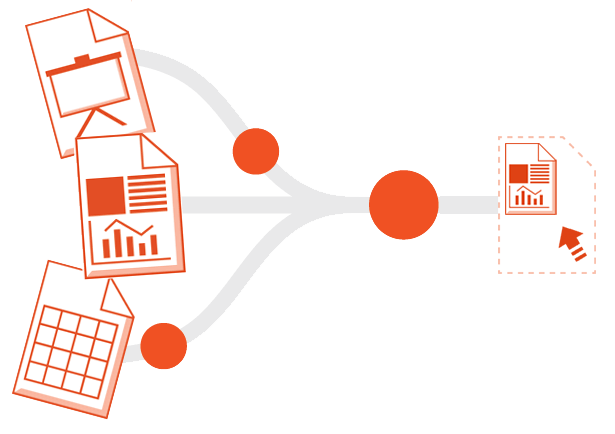
Watch key folders and compress any incoming files in real-time.
Make sure large files are compressed before they create problems.
Keep your archive optimal
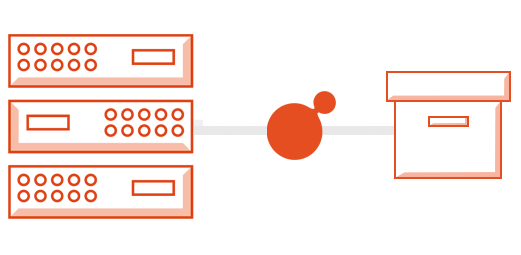
Add NXPowerLite to your archiving workflow and ensure your legacy files are as small as they can possibly be.
Trusted by 3,000+ organizations


"... the perfect solution for IT administrators struggling to find investment for infrastructure. The time spent installing and evaluating NXPowerLite was worth every second."
— Amway Japan
“As well as freeing up around half of the overall capacity of the SAN, there were secondary benefits in terms of reduced backup times. “It would take around two days to backup the full data – now it’s possible to do it overnight. So there’s a cascading effect.”
— Sidmouth College
“NXPowerLite is a really robust, amazing product which offers great value for money. It was exactly what I was looking for.”
— Arc Legal Assistance Ltd
Simple, powerful features
Works with any storage
Compress files on any storage device in the same Windows domain as NXPowerLite. Easily add drives, network shares and folders to ensure the software reaches all of your files.
Compress multiple folders
Easily add drives, network shares and folders to ensure the software reaches all of your files.
Transparent
Files are reduced using our unique compression engine that doesn't change their format or attributes. No additional files are created and the originals aren't moved.
File tracking
Compressed files and incompressible files are automatically tracked and skipped on subsequent runs.
Single pass or loop
Set the software to run one time through your files and stop. Or alternatively set it to loop repeatedly and pick up new files as they arrive.
Multi-threaded
Runs two optimizer processes in parallel by default, but you can increase this to get more throughput. Configure for speed
Set rules
Easily select which folders and files to compress. Exclude by specific attributes like date last modified, location and extension.
Schedule
Use the built-in scheduler or control the service from other events using Windows task scheduler.
Reports
Get detailed reports on the savings achieved by compressing files.
Get Started. Request your free trial.
Try NXPowerLite for 7 days with no restrictions and see what it can do
Frequently Asked Questions
-
NXPowerLite needs to be installed on a Windows machine but it can reduce data on any device in the same Windows domain as the machine on which it is installed. NXPowerLite can be installed on the following systems:
Windows Server 2012
Windows Server 2012 R2
Windows Server 2016
Windows Server 2019
Windows Server 2022
Windows Vista
Windows 7
Windows 8/8.1
Windows 10
All of the above must have .NET framework V4.5.2 or above
-
PDF Documents
Microsoft PowerPoint presentations (PowerPoint 97-2019)
Microsoft Word documents (Word 97-2019)
Microsoft Excel spreadsheets (Excel 97-2019)
JPEG images
PNG images
TIFF images
All the above formats contained within zip archives.
-
English
French
German
Japanese
Korean
Spanish
-
You will get a 7-day key that fully unlocks the software, with no restrictions. You can test all the features of the software without limits. We just ask that you only use it on non-production data.
Once you request a trial you will be sent an email with an activation link. Clicking the link will generate and email you a key to unlock the software that will expire seven days from that point.
-
Pricing is per server and is available in 3 TB, 5 TB, 10 TB or Unlimited options.
You should select a capacity large enough to accommodate the space that is configured for file storage on your device.
Examples:
8 TB physical or virtual server with 4 TB provisioned for files needs a 5 TB licence.
2 x servers, one with 1.5 TB and one with 7 TB provisioned for files, need 1 x 3 TB licence and 1 x 10 TB licence.
Not every situation is straightforward, so if your setup makes this licensing difficult to apply, please just send us an email and we'll figure out the best way to flex the licensing for you.
-
File Optimization technology is designed to avoid negatively affecting document compliance obligations. The technology simply makes imperceptible visual trade-offs to reduce file size.
The primary focus is ensuring embedded media (photos, graphics etc) are stored in the documents efficiently, while unseen background data is purged from the files. File Optimization sets out to maintain the visual integrity of the content so at all times optimized files should be indistinguishable from the originals by the human eye.
We encourage you to check the compliance requirements of your industry carefully and if there is any need for further clarification on what File Optimization does to files do get in touch.
“Before rolling out NXPowerLite, I ran it past the council’s legal team and there have been no compliance issues with using the software. Physically, the results look exactly the same to the naked eye – something that is critical when dealing with court documents.”
Neil Harvey, Server Support and Development Officer for Caerphilly County Council